AshurRose

FamilyFlow · coming soon

Chores they finish. Rewards they can see.

On a shared wall in the kitchen—not another app they forget to open.

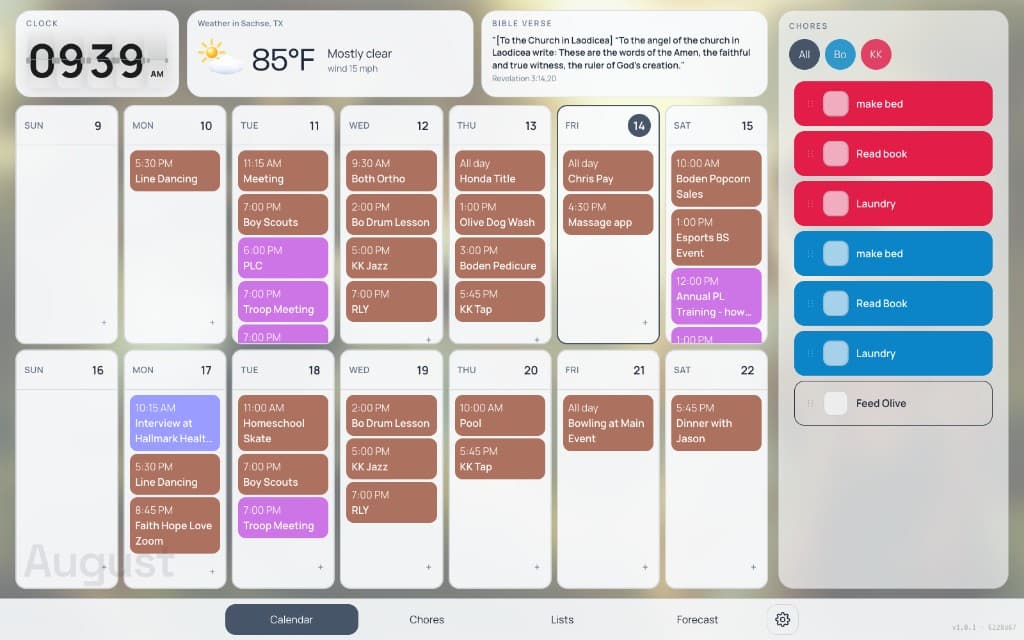
FamilyFlow helps families organize kids’ chores and reward them when the work is done. The week hangs beside it: Google Calendar, lists, weather, and the time, on one piece of glass.

FamilyFlow wall showing kids’ chores beside the week’s schedule, weather, and clock

Assign by kid. Check it off on the glass. Celebrate when the list is clear.

Chores

Assigned by kid. Checked off on the wall.

Give each chore a person and the days it is due. Kids tap the wall to mark it done—big targets, no hunting through a phone. When a row is finished, the wall can hide it, glow, and put a party hat on the name so the whole kitchen can see who wrapped up.
Illustration of a chore checklist with checkmarks

Rewards

A celebration when the work is done.

Turn on a reward for finishing the day’s chores: confetti, a golden glow, or a piñata. Parents write what the reward actually is—an allowance, a sleepover, extra screen time—and can set it per child. The popup lives on the same glass they just checked, so the prize is visible, not buried in a parent’s phone.

Illustration of a reward star

People

A color for every child.

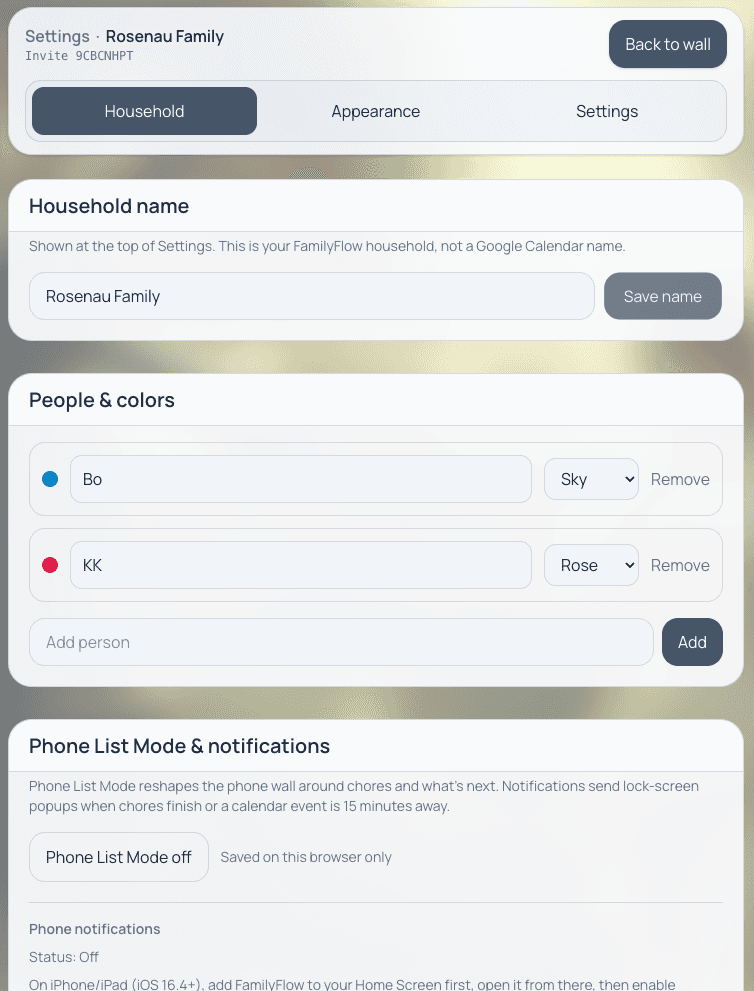
Each person in the household gets a color. Chores, calendars, and names share it, so from across the room you can tell whose soccer practice and whose dishwasher night are on the wall.

FamilyFlow household people and color assignments

Google Calendar

The calendars you already keep.

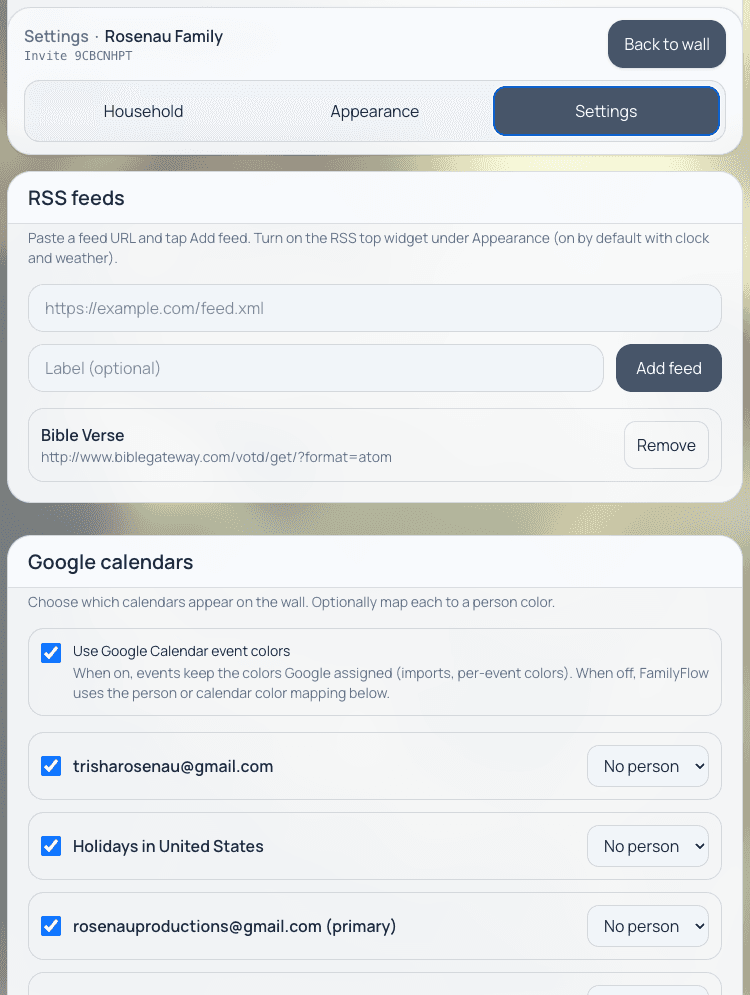
FamilyFlow syncs the Google Calendars your family already uses—read, add, and edit from the wall. Choose which calendars appear. You are not maintaining a second family calendar. Day, week, two-week, month, and agenda views stay large enough to read while you stand there.

FamilyFlow settings for Google Calendar connections

Household extras

Lists, weather, the clock, a feed.

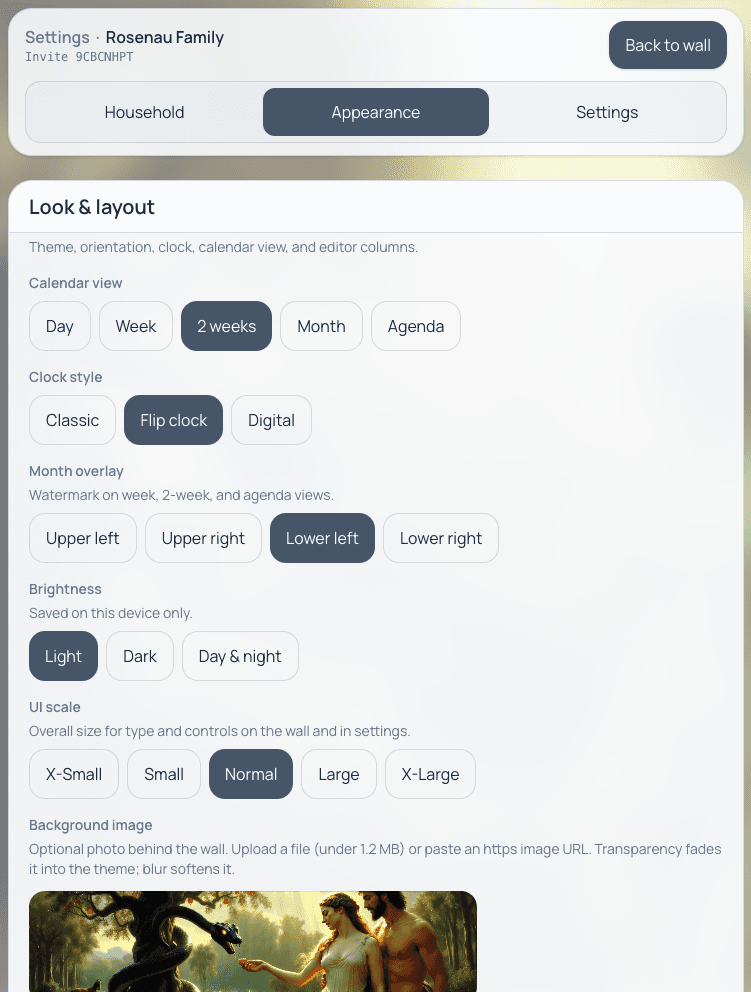
Shared lists sit next to the chores. Weather comes from the household location. A flip clock (or a quieter one) keeps the time on the glass. If you want a verse or a news feed, add an RSS widget at the top of the wall.

FamilyFlow appearance options for calendar view, clock style, and light display

The display

Built to hang there all day.

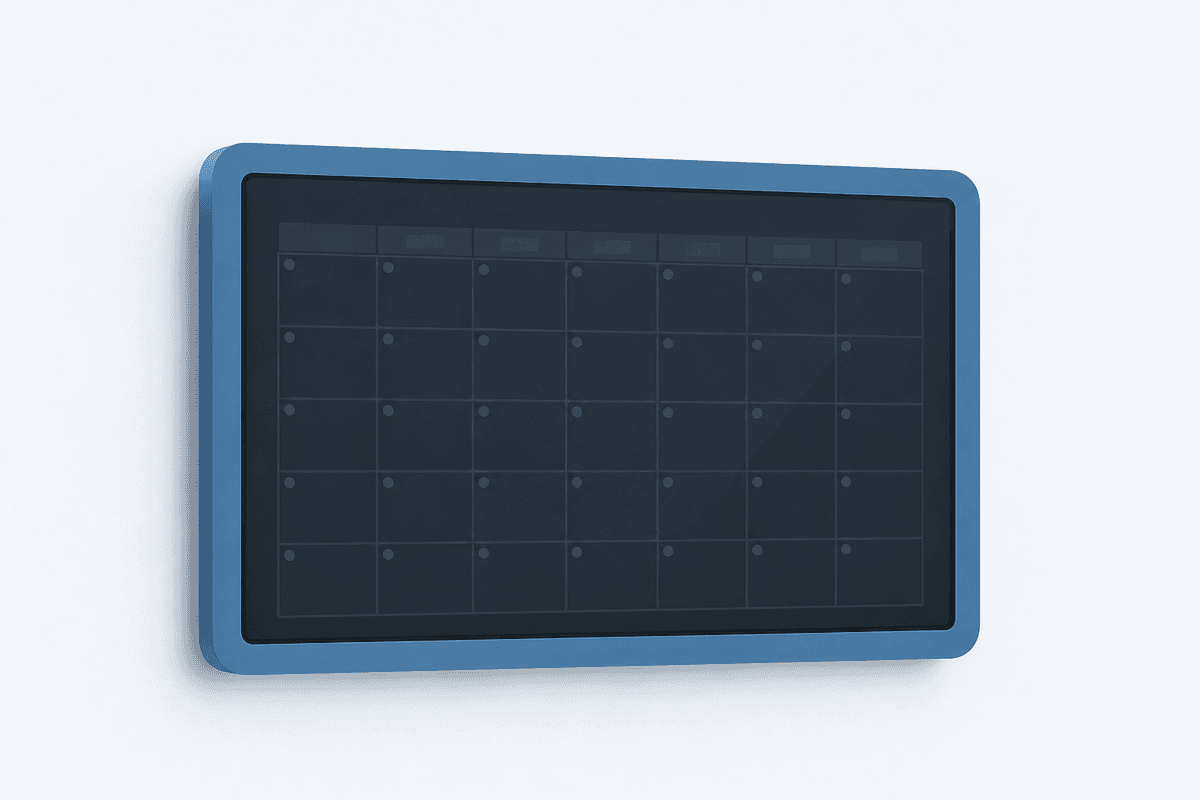
Kiosk and fullscreen modes, large touch targets, and a sleep schedule so the panel can go dark overnight. It is meant for a kitchen wall or a tablet on a stand—not for scrolling in a pocket.

Illustration of a wall tablet display

One household

Everyone sees the same wall.

Invite the rest of the family into one household so kids, parents, and a phone in a backpack are looking at the same chores and the same week. On a phone, FamilyFlow switches to a stacked list so you can check chores when you are not standing at the glass. Optional notifications ping when chores finish and before calendar events.

Illustration of household people as colored dots

Write to us.

FamilyFlow waitlist or product questions—we read every note.